Railway Pricing 2026: What You’ll Actually Pay
Railway pricing is usage-based, so the bill moves with your traffic. See real monthly costs for four app profiles, the hidden charges, and a flat-price alternative.
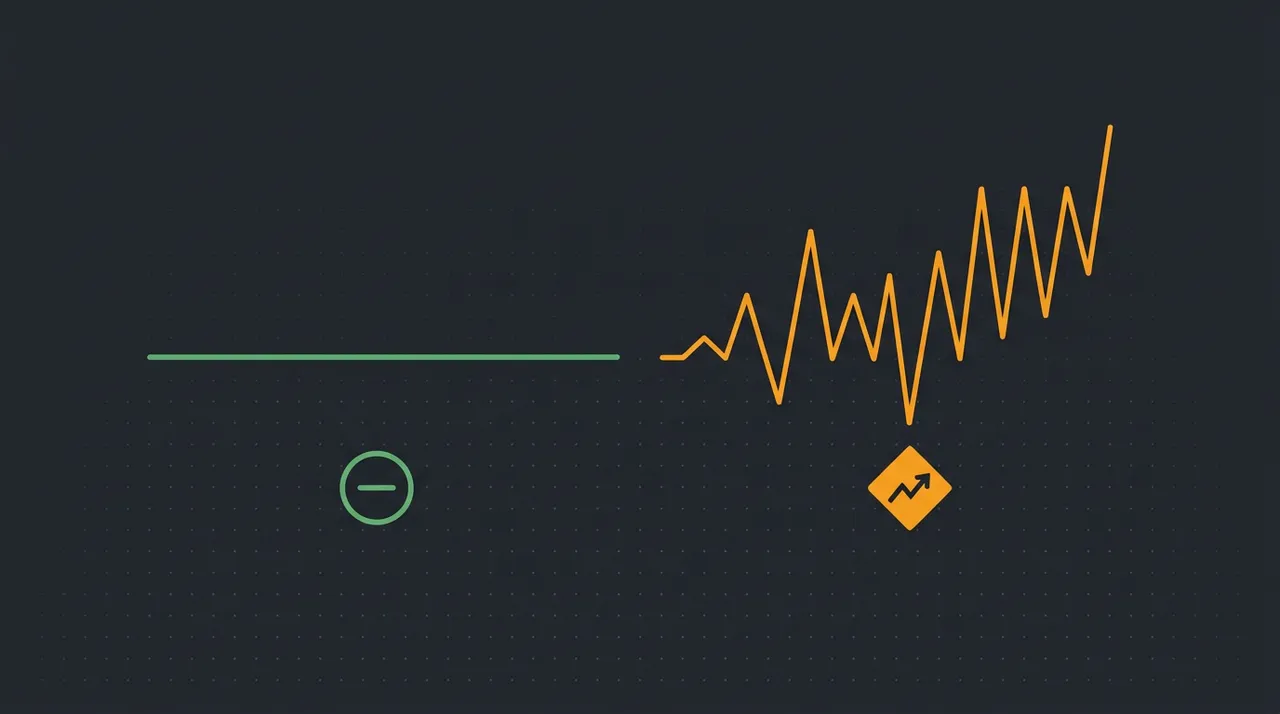
That is the short answer. The longer answer — and the reason Railway bills catch people off guard — is that the plan price is a floor, not a ceiling. Railway moved away from a generous free tier to a usage-based model where you rent compute by the second, and that shift is what trips people up: the $5 Hobby plan reads like the price, when it is really just the entry fee. Below we break down every charge, show the real monthly cost for four common app profiles computed from Railway’s published rates, walk through two fully worked examples, and cover the flat-price alternative if a predictable bill matters more to you than elastic scaling.
How does Railway pricing work in 2026?
The tiers, from Railway’s own pricing page (railway.com/pricing):
- Trial — a 30-day trial with $5 of one-time credit, no credit card.
- Hobby — $5/month, including $5 of usage credit. Suited to a small side project.
- Pro — $20/month per seat, including $20 of usage credit, aimed at teams and production apps.
Because compute is metered per second, an idle service costs almost nothing — and a service under constant load costs far more than the sticker plan suggests.
What will you actually pay? Cost by app profile
We estimated these from Railway’s published rates ($20 per vCPU-month, $10 per GB-month, $0.05 per GB egress, $0.15 per GB-month storage) for always-on services. Treat them as ballpark, not invoices — your real bill moves with actual minutes of use.
| App profile | Resources (always-on) | Est. Railway / month | shiply.now (flat) |
|---|---|---|---|
| Side project / small API | 0.5 vCPU · 0.5 GB | ~$15 | $8 |
| Full-stack app + Postgres | ~2 vCPU · 2 GB | ~$60 | $8–$24 |
| Busy SaaS | ~4 vCPU · 8 GB | ~$160+ | $24 |
| Add a 3-person team | 3 Pro seats | +$60 in seats | $0 seats |

Worked example: a full-stack app with a database
Take the second row above — a typical full-stack app: a web service at 1 vCPU / 1 GB and a Postgres database at 1 vCPU / 1 GB, both always on. Railway bills compute per second, so the month works out like this:
- Web service compute — 1 vCPU (~$20) + 1 GB RAM (~$10) = $30
- Postgres compute — 1 vCPU (~$20) + 1 GB RAM (~$10) = $30
- Volume storage — 5 GB at $0.15/GB = $0.75
- Egress — 50 GB of traffic at $0.05/GB = $2.50
That is roughly $63 a month for one modest full-stack app — and it climbs the moment traffic, memory, or a second teammate does. The same app on shiply.now is a flat $8–$24, whatever the traffic.
Worked example: a busy SaaS
Scale that up to a real SaaS — a web service at 2 vCPU / 4 GB, a Postgres database at 2 vCPU / 4 GB, and a Redis cache at 0.5 vCPU / 1 GB, all always on, with heavier traffic:
- Web service — 2 vCPU (~$40) + 4 GB (~$40) = $80
- Postgres — 2 vCPU (~$40) + 4 GB (~$40) = $80
- Redis cache — 0.5 vCPU (~$10) + 1 GB (~$10) = $20
- Storage + egress — 20 GB storage ($3) + 300 GB egress ($15) = $18
That is about $198 a month before a single extra seat — the kind of bill that moves with one good traffic week. On a flat plan, a good traffic week changes nothing.
The hidden costs that inflate a Railway bill
In order of how often they catch people out:
- Network egress — $0.05 per GB. Quiet in development, but a site that serves images or an API under real traffic can move hundreds of GB a month, and every gigabyte is billed.
- Always-on compute — a service you forgot to sleep bills every minute, 24/7, whether anyone visits or not. Unlike serverless, idle time is not free.
- Databases — Postgres and Redis run continuously, so they never idle to zero. A database is usually the single line that keeps a "small" project above the plan minimum.
- Preview environments — spin up a deployment per pull request and each one runs its own billed compute until it is torn down.
- Per-seat fees — $20 per teammate on Pro, before anyone deploys a thing.
None of these are hidden in Railway’s documentation. They are just easy to leave out when you quote yourself the $5 or $20 plan price and assume that is the bill.
Railway vs Vercel vs Render: flat or metered?
The practical read: Railway tends to win for spiky, variable workloads; Render for steady always-on services that want an instance price; Vercel for front-end and Next.js apps that lean on its edge network. What none of them offer is a single flat number that covers compute, database, bandwidth and seats — which is the gap shiply.now is built to fill. For the two biggest names, we go deep in the Vercel comparison and Netlify comparison.
How to estimate your Railway bill before you deploy
A quick way to sanity-check: count every service that will run 24/7, including databases, and assume each small service is roughly $30 a month before traffic. Two services already puts you near $60, which is why the "it is only $5" expectation so often misses. If that number makes you wince, a flat plan is worth a look before you build the bill in.
What about Railway at scale?
For most solo builders and small teams this tier never comes up. It matters if you are running many always-on services or need compliance and support guarantees. It is worth knowing the ceiling is there, though, because a usage-based bill that started at $5 can, at real scale, reach numbers where a flat price per project looks very different — and predictability becomes worth more than elasticity.
When Railway’s usage-based pricing is the right call
None of this makes Railway a bad product — it makes it a usage-based one. Usage-based pricing rewards apps that scale elastically and punishes always-on apps run to a fixed budget. Knowing which one you are is the whole decision.
Three ways to cut a Railway bill
- Right-size memory first. Memory is billed per GB-minute, and most services are provisioned with more RAM than they use. Trimming a service from 2 GB to 1 GB halves its memory line for the whole month.
- Sleep non-production services. Preview, staging, and demo environments rarely need to run 24/7. Sleeping them when idle stops the meter — always-on time is the charge people most often forget.
- Watch egress. Serving large assets straight from your app bills $0.05 per GB. Putting a CDN in front, caching aggressively, and compressing responses can take a real bite out of the bandwidth line.
These help, but they are all ongoing maintenance — you are managing a meter. The alternative is to not have a meter at all.
Is Railway worth it? A quick verdict
Put simply: Railway sells you a meter and the tools to manage it. That is the right trade for some teams and the wrong one for others. If you find yourself estimating bills, sleeping services, and right-sizing memory to keep costs down, that effort is the real price — and it is exactly the effort a flat plan removes.
The flat-price alternative: shiply.now
It is also built for agents: your AI tool publishes in one HTTP call, with no account needed to start and no build step to wait on. If you are weighing metered hosts more broadly, the same logic runs through our Vercel comparison, Netlify comparison, and the wider flat vs metered pricing guide.
How to move from Railway to shiply in four steps
- Export your app from Railway — the built output, plus any database schema and seed data.
- Create a free account on shiply.now and pick a flat tier.
- Publish in one call from your agent or the CLI — you get a live URL, a database, and a custom domain.
- Point your domain at the new site and retire the Railway service. The bill is now flat.