Firebase Pricing 2026: What You'll Actually Pay
Firebase pricing is pay-as-you-go: a free Spark tier, then Blaze meters Firestore reads, storage, bandwidth and functions. Real costs for four app profiles plus a flat alternative.
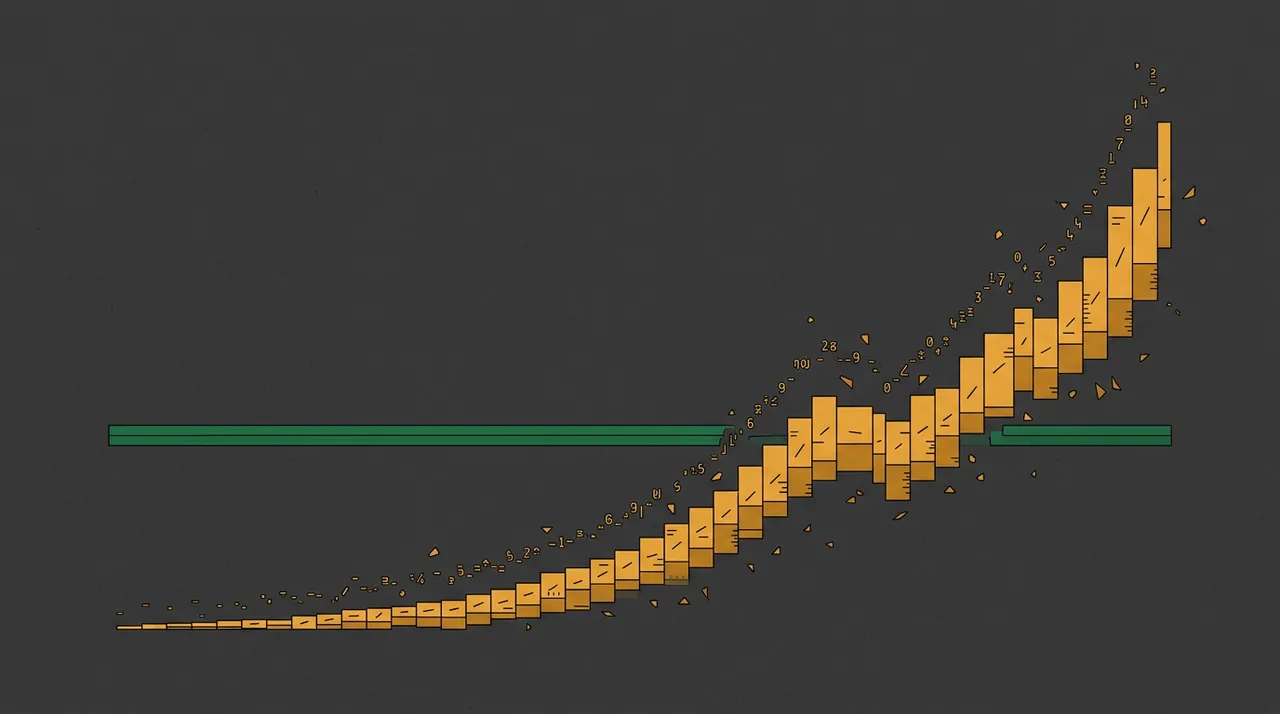
That is the short answer. The longer answer — and the reason Firebase bills catch people out — is that there is no monthly "plan price" once you leave the free tier. Blaze is pure usage billing: every database read, every gigabyte stored, every function invocation and every gigabyte of bandwidth is metered on its own line. A quiet app costs nothing; a viral one, or an app with a wasteful query loop, can produce a bill nobody budgeted for. Below we break down the plans, list the verified rates from Firebase's own pricing page, compute the real monthly cost for four app profiles, walk two worked examples, cover the hidden costs, and lay out the flat-price alternative if a predictable all-in number matters more to you than a fully managed Google backend.
How does Firebase pricing work in 2026?
The two plans, from Firebase's own pricing page (firebase.google.com/pricing):
- Spark (no-cost) — free, with fixed caps: 1 GiB Firestore storage, 50K reads / 20K writes / 20K deletes a day, 50K monthly active auth users, 10 GB hosting storage and 360 MB/day transfer, and a Realtime Database with 1 GB stored and 100 simultaneous connections.
- Blaze (pay-as-you-go) — the same free quotas, then metered usage on top. New Blaze upgrades get $300 in free credit. Paid Google Cloud services (Cloud Functions, Cloud Run, Cloud Build) require Blaze.
The mental model that matters: Firebase does not charge a subscription — it charges a meter per service. Your bill is the sum of a dozen small usage lines, which is why it is cheap when idle and unpredictable at scale.
What are the actual Firebase rates?
The figures below are taken directly from Firebase's 2026 pricing page. Each is a Blaze overage rate that applies only after you exhaust the free quota for that service:
- Firestore — free: 1 GiB stored, 50K reads/day, 20K writes/day, 20K deletes/day, 10 GiB/month egress. Above that, each read, write and delete is metered per operation, plus storage and network egress.
- Cloud Storage — free 5 GB, then $0.026/GB stored, $0.12/GB downloaded, $0.05 per 10K upload operations, $0.004 per 10K download operations.
- Firebase Hosting — free 10 GB stored and 360 MB/day transfer, then $0.15/GB of data transfer. Custom domain and SSL are free.
- Realtime Database — free 1 GB stored and 10 GB/month downloaded, then $5/GB stored and $1/GB downloaded.
- Cloud Functions / Cloud Run egress — $0.10/GB of outgoing bandwidth, plus per-invocation and compute-time charges billed through Google Cloud.
- Test Lab — $1 per virtual device-hour, $5 per physical device-hour.
Firebase does not surface a single headline per-100K Firestore price the way it lists the storage rates, so we describe Firestore's model — a generous free daily quota, then metered per operation — rather than quote an unverified number. On most apps, Firestore reads are the line that grows fastest.
What will you actually pay? Cost by app profile
We estimated these from Firebase's published Blaze rates (Cloud Storage $0.026/GB, downloads $0.12/GB; Hosting $0.15/GB; Functions egress $0.10/GB; Realtime DB $5/GB + $1/GB) and the free-tier quotas, for always-metered usage.
| App profile | What it uses | Est. Firebase / month | shiply.now (flat) |
|---|---|---|---|
| Prototype / hobby app | Within Spark free quotas | ~$0 | $0 |
| Small live app | Light Firestore + hosting over free tier | ~$5–$15 | $8 |
| Busy consumer app | Heavy Firestore reads + storage + bandwidth | ~$120–$300+ | $24 |
| Traffic spike / viral day | Reads and egress meters run | Uncapped | $0 extra |

Worked example: a small live app
Take the second row — a modest live app that just crosses the free quotas: a bit of Cloud Storage, some hosting bandwidth, and Firestore usage just over the daily free reads:
- Cloud Storage — 20 GB stored over 5 GB free = 15 GB at $0.026 = $0.39
- Storage downloads — 50 GB out at $0.12 = $6.00
- Hosting bandwidth — 40 GB over the free tier at $0.15 = $6.00
- Firestore — modest reads/writes just over the free daily quota = a few dollars
That is roughly $15 a month — cheap, but note it is already four separate meters, and the moment traffic climbs each one climbs with it. The same app on shiply.now is a flat $8, bandwidth included.
Worked example: a busy consumer app
Scale it up — a popular app whose Firestore reads dominate, plus real storage and bandwidth:
- Firestore reads — tens of millions of reads a month above the free quota = the largest single line
- Cloud Storage — 200 GB stored ($5.20) + 500 GB downloaded at $0.12 = ~$65
- Hosting bandwidth — 300 GB at $0.15 = $45
- Cloud Functions — invocations, compute time and $0.10/GB egress = tens of dollars
That is easily $120–$300+ a month, and the Firestore read line has no ceiling — a single un-cached list view called on every page load is the classic way a Firebase bill quietly triples.
The hidden costs that inflate a Firebase bill
In order of how often they catch people out:
- Firestore reads with no ceiling — every document a query returns is a billed read. A list that loads 50 documents on every screen, times a lot of users, is where most surprise bills come from.
- No hard spend cap by default — Blaze bills to your card as usage happens; you must set up budget alerts yourself, and alerts notify rather than stop.
- Egress, not storage — storing data is cheap ($0.026/GB); moving it out is where it adds up — $0.12/GB from Cloud Storage, $0.15/GB from Hosting, $0.10/GB from Functions.
- Realtime Database is pricier per GB — at $5/GB stored and $1/GB downloaded it is far more expensive than Cloud Storage, so choosing the wrong database matters.
- Cloud services bill through Google Cloud — Cloud Functions, Cloud Run and Cloud Build charges appear on the linked Google Cloud account, which is easy to overlook when you only watch the Firebase console.
None of these are hidden in the docs. They are just easy to leave out when you quote yourself the "it's free" starting price.
Firebase vs Railway vs Render: which pricing model fits?
The practical read: Firebase suits prototypes and apps that live inside the free quotas, and teams happy to manage a usage meter; Railway suits spiky workloads where idle should be near-free; Render suits steady, always-on services that want a predictable per-instance price. What none of them offer is one flat number covering compute, database, storage and bandwidth — which is the gap shiply.now fills. We go deeper in the Railway pricing breakdown and the Render pricing breakdown.
How to estimate your Firebase bill before you deploy
A quick sanity-check: the biggest driver is almost always Firestore reads, so estimate reads first — documents per screen times screens per session times sessions per day. If that number is large, cache aggressively or expect a metered bill. Firebase publishes a Blaze pricing calculator on the pricing page for exactly this. If the estimate makes you wince, a flat plan is worth a look before you build the usage in.
When Firebase's pricing is the right call
None of this makes Firebase a bad product — it is a genuinely capable, deeply integrated backend. It makes it a pure-usage one, where the bill is the sum of every meter and there is no fixed price to anchor to. Knowing how read-heavy your app is, and how much traffic you expect, is the whole decision.
Three ways to cut a Firebase bill
- Cut Firestore reads. Cache results, paginate, and avoid re-reading the same documents on every screen. Reads are the single biggest lever on most bills.
- Tame egress. Downloads cost $0.12–$0.15/GB. A CDN in front of Cloud Storage, image resizing, and compression take a real bite out of billed bandwidth.
- Set guardrails. Blaze has no default spend cap, so add budget alerts and, where possible, quota limits — so a runaway loop or a bot flood cannot run the meter unchecked.
These help, but they are all ongoing maintenance — you are managing meters and watching a console. The alternative is to have neither.
Is Firebase worth it? A quick verdict
Put simply: Firebase is free until it isn't, and when it isn't, the bill is a sum of meters rather than a plan price. That is the right trade for prototypes and read-light apps and the wrong one for read-heavy apps that need a predictable number. If you find yourself caching reads, watching egress, and setting budget alerts to keep costs down, that effort is the real price — and it is the effort a flat plan removes.
The flat-price alternative: shiply.now
It is also built for agents: your AI tool publishes in one HTTP call, with no account needed to start and no build step to wait on. If you are weighing metered and pay-as-you-go backends more broadly, the same logic runs through the flat vs metered pricing guide and our flat pricing.
How to move from Firebase to shiply in four steps
- Export your app from Firebase — the built front-end, plus your Firestore or Realtime Database data and any storage files.
- Create a free account on shiply.now and pick a flat tier.
- Publish in one call from your agent or the CLI — you get a live URL, a SQL database, server functions, and a custom domain.
- Point your domain at the new site and retire the Firebase project. The bill is now flat, whatever your traffic does.